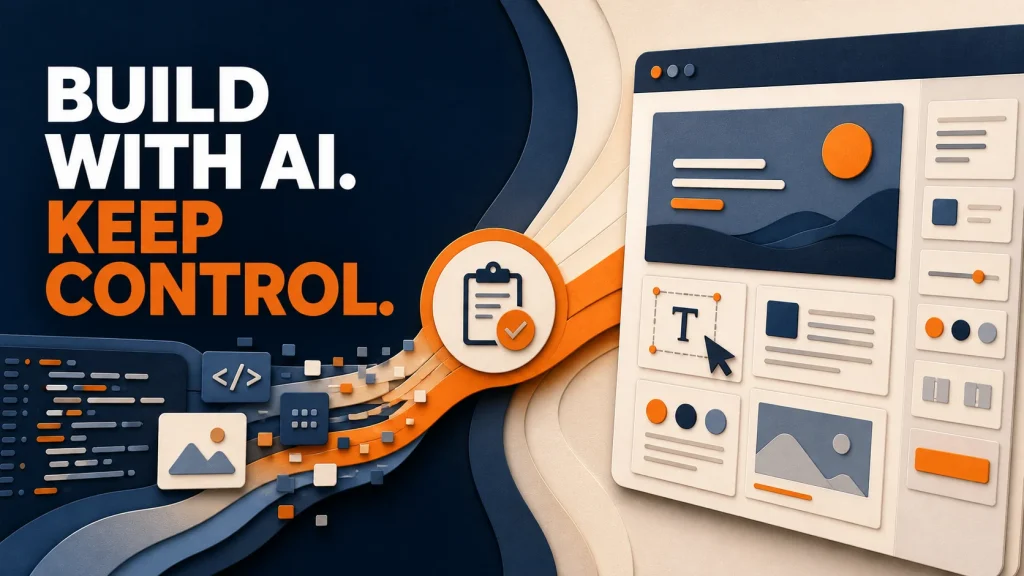

I’ve recently seen developers saying they are leaving Elementor—and sometimes WordPress altogether—because they want to build websites with AI.
I understand the attraction—but I think this presents the wrong choice.
AI is not a CMS. A visual editor, like Elementor, is not a development philosophy.
Agency owner Jay Owen wrote: “Our agency is abandoning WordPress development this year for a full AI-driven workflow.”
In another public discussion, developer Shubham Davey was more specific: “I’m done with Elementor because the simple HTML pages are so damn fast.”
Two posts do not prove that the whole industry is leaving WordPress or Elementor. They do show a real question that website teams are beginning to ask: if AI can generate custom code quickly, do we still need WordPress or visual page builders at all?
AI can change how quickly a website is produced. That does not remove the need to decide how the website will be operated after it is launched.
At AXE-WEB, we use AI throughout development. The finished website can still use the WordPress editing experience that best fits the client—Elementor, Gutenberg, another visual builder, custom fields or a purpose-built interface—or a custom implementation when that is the better fit.
AI is a way to build. For many teams, WordPress is still the way to operate.
AI-assisted development can help a skilled team understand an existing website, explore an idea, produce and refine code, create a first layout, repeat structured work, and move from a brief to a working version faster.
WordPress can give the business a content-management system for operating the result. Elementor is one visual editing environment inside WordPress; Gutenberg, custom fields and purpose-built editing interfaces are other options. The appropriate setup can let marketing teams edit content, reuse approved sections, create pages and keep working within the website they already know.
The distinction matters because a website has more than one user.
The visitor needs a fast, clear, distinctive and accessible experience. The team behind the website needs a safe and practical way to operate it.
A development workflow that is exciting for the person building the site may still create a difficult handover for the people managing campaigns six months later.
We do not choose the final system from the first draft
A project may begin with:
- a Figma design;
- an AI prototype from a tool such as Lovable, v0, Replit or another platform;
- an existing WordPress page or visual-editor layout;
- a screenshot or reference website;
- a custom application;
- or a requirement described in plain language.
We do not care which tool produced the first version. We care what the finished website needs to do.
If the client’s marketing team already manages its website in WordPress and Elementor, the right outcome may be a new native Elementor page that follows the existing design system and remains editable by that team. On another website, the right editorial layer may be Gutenberg, custom fields, a custom theme or a different page builder.
If the requirement is a custom interactive application, unusual data workflow or specialist feature, the right outcome may involve custom development connected to WordPress rather than forcing everything into a page builder.
If an AI prototype communicates the concept well but is not ready for production, it can become the brief. We can reproduce the useful parts in the environment that best fits the business.
The destination should be chosen according to ownership, maintenance and the website’s job—not according to which tool generated the first impressive screen.
What “finished” means after AI generates the first version
A page is not finished only because it looks complete on a laptop.
Before a website or landing page becomes a dependable marketing asset, we ask:
- Are its forms, analytics and CRM connections working?
- Can the marketing team edit the content?
- Does the page follow the company’s real design system?
- Does it work properly on mobile?
- Is it accessible, searchable and maintainable?
- Can the next page be created without starting again?
AI helps us complete more of this work faster. It does not make these questions disappear.
AI is moving into WordPress, not only around it
There are two practical ways this can happen.
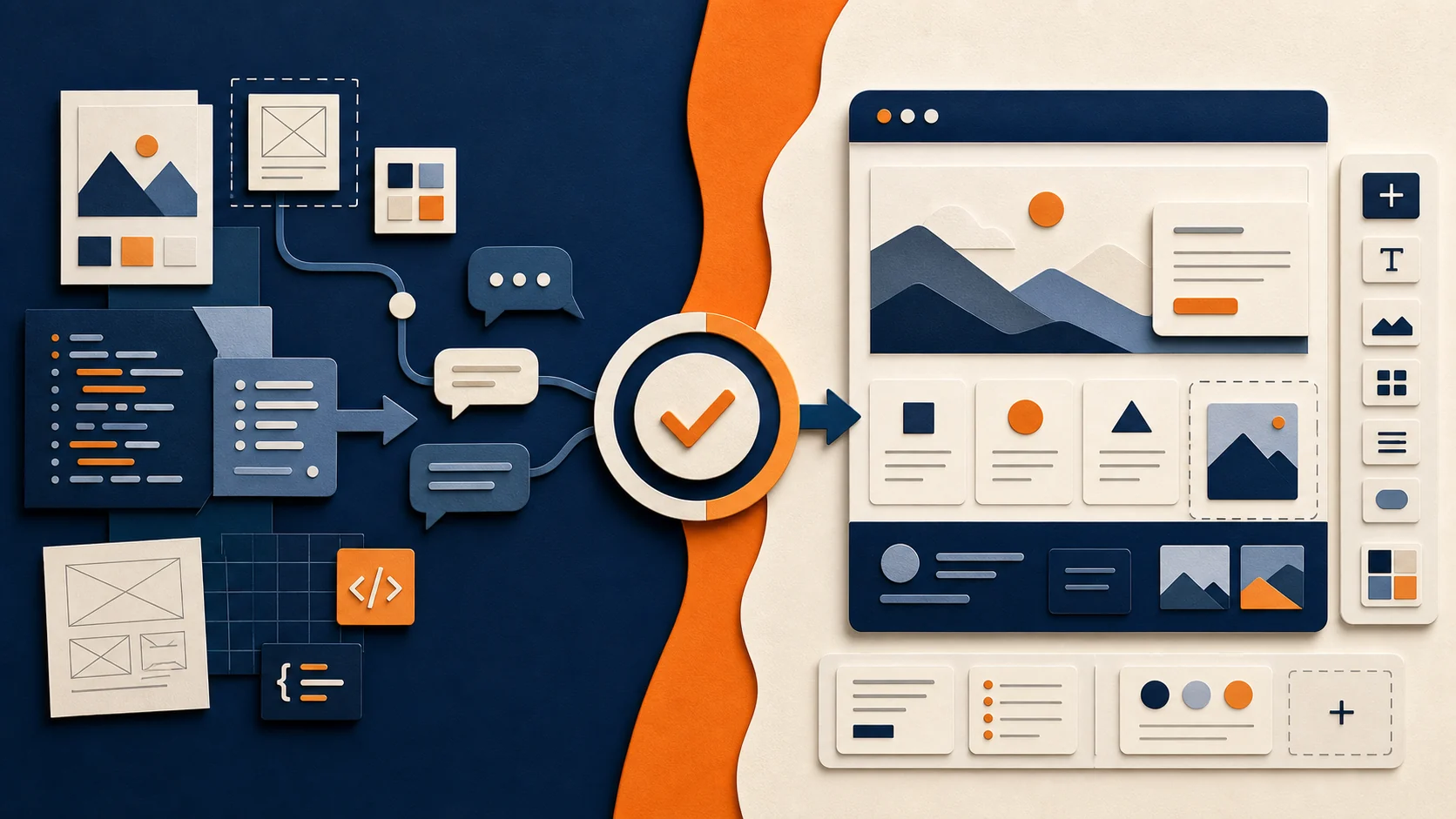
The first is AI built directly into a WordPress editing environment. WordPress.com now offers the WordPress AI Assistant inside its editor; it can create pages and sections and adjust layouts, styles and patterns through conversation. This is a WordPress.com service, not a feature included by default in every self-hosted WordPress or Gutenberg website. In July 2026, Elementor also released Angie, an agent that can create pages as structured, editable Elementor content. Both products follow the same model: the AI works inside the editing system, and the result remains manageable there. WordPress.com: WordPress AI Assistant Elementor: Build with prompts
The second is to connect an external AI assistant—such as Claude Desktop—or a custom AI workflow to the website. Using Model Context Protocol (MCP) or a purpose-built connection, the assistant can be given controlled access to the site’s structure and relevant tools. It can then create or update content in the system the website already uses. This route is more flexible: it can be configured for Gutenberg, custom fields, themes, other visual builders and connected applications.
This is closer to AXE-WEB’s broader approach. Because clients use different website stacks, we can help establish an AI connection around the system they already have instead of tying their workflow to one editor or one AI product. That also gives us a safer foundation for coordinated, site-wide changes.
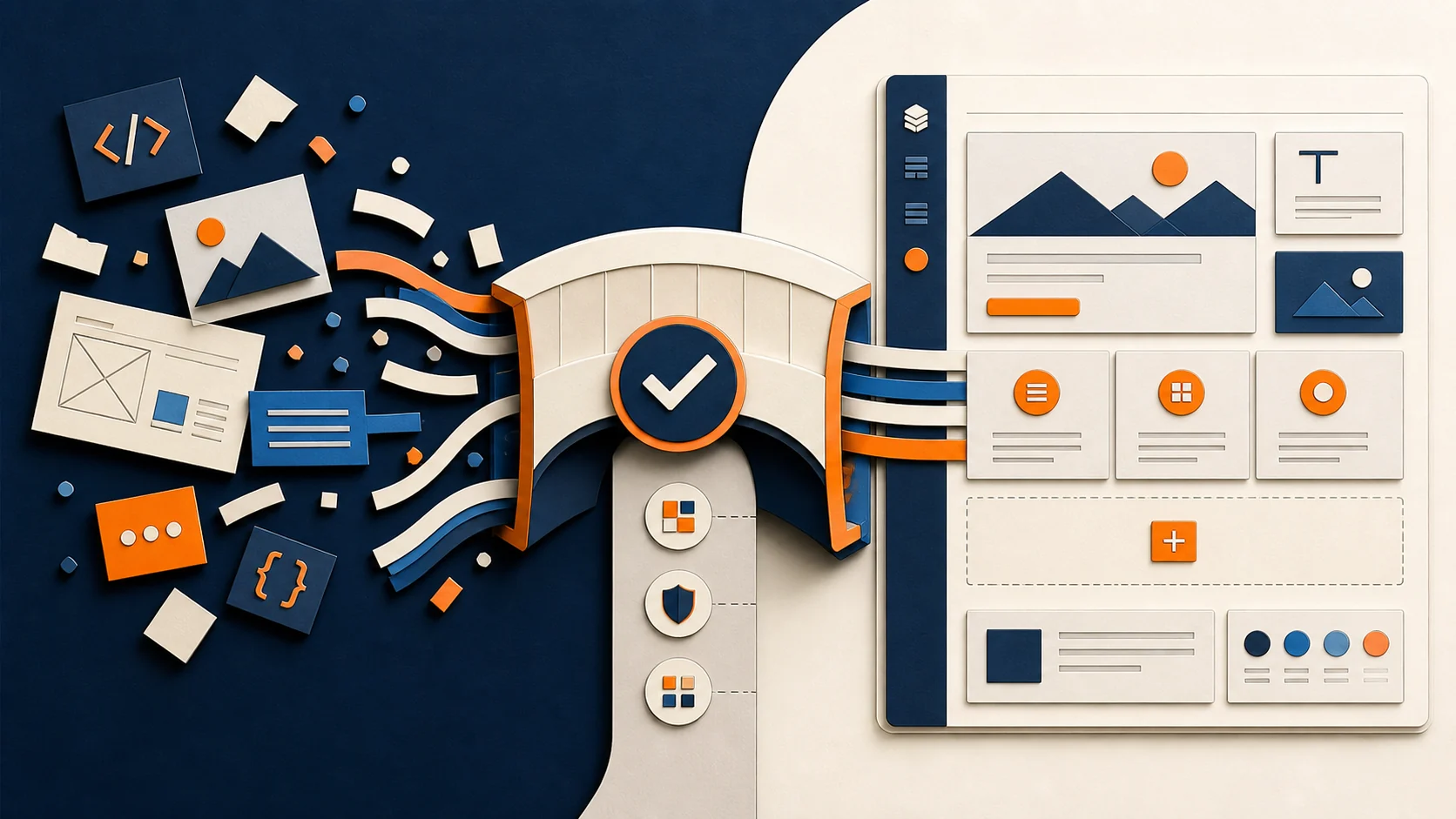
Whichever route a team chooses, the design system of your website becomes more important—not less. Documented brand tokens, such as colours, typography and spacing, together with reusable components and usage rules, give AI clear boundaries. Whether those rules live in Storybook or another shared system, they can help AI produce an on-brand first version in minutes instead of defaulting to a generic-looking page.
The important limit is that arbitrary AI output does not automatically become native, editable WordPress content. It must be generated for the target editor’s structure, imported through a format that editor supports, or translated and rebuilt. The connection and the design system are what turn fast generation into a website the client can continue to operate.
The finished website must work for the people who operate it
Most marketers do not need to know whether a section began as generated code, a reusable component, a custom widget or a manually assembled layout. They need a website that supports the brand and customer journey, connects to the right systems, and can keep changing with the business.
Developers should be free to improve how they work. Clients should receive a system that improves how they work too.
So the future may not be “AI instead of WordPress” or “AI instead of visual editors.”
It may be AI-assisted development inside whichever system best serves the people who must operate the website.
The tool used to generate a page matters less than whether the finished website is distinctive, reliable and usable by the team that owns it.
At AXE-WEB, we use AI to make development faster while keeping the finished work on-brand, safe and maintainable. We can manage, improve and extend a website whether it uses Elementor, Gutenberg, another page builder, a custom WordPress theme or connected custom development.
Frequently asked questions
Yes—when the workflow targets the structure that the website actually uses. That may mean Gutenberg blocks, Elementor elements, another builder’s components, custom fields or a purpose-built editing interface. Angie is one Elementor-specific route; it is not the definition of AI-assisted WordPress development.
Usually not. Generic HTML, React code or an AI design does not automatically become native Gutenberg blocks or Elementor elements. The page must be generated for the target editor, imported through a supported format, or translated and rebuilt. Even a JSON file generated in an AI chat must match the correct structure, version and site dependencies.
Custom development may be a better fit for applications, unusual interactions, prototypes, highly specialized functionality or products that will remain under developer ownership. The decision should also account for maintenance, hosting, security, integrations and content ownership—not only initial build speed.
Check responsive behavior, accessibility, SEO structure, performance, forms, analytics, consent, CRM connections, security, content editing, hosting, ownership and rollback. A visually complete page is only one part of a production-ready website.